10 Black Friday Ideas for Small Businesses That Don't Rely on Deep Discounts
2026-11-12
Discover 10 Black Friday ideas for small businesses, from product bundles and gift cards to local promotions and low-budget marketing tips that protect profit margins.
De-influencing: How to Spot Product Hype and Shop Smarter
2026-11-11
De-influencing explained: real-world examples, misleading product recommendations, and practical tips for making smarter buying decisions.
How to Convert a URL to a QR Code for Free (PNG & SVG)
2026-10-30
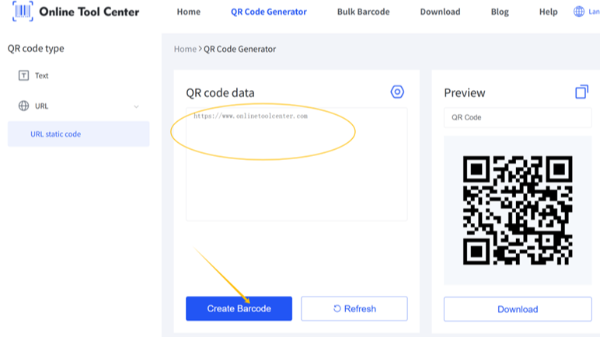
Convert a URL to a QR code for free in 3 simple steps. Create a static QR code without signing up, download it as PNG or SVG, and test your link.
How to Create a QR Code for a Link Without an Online Tool
Create a QR code for a link without an online generator using Chrome, desktop software, or Python. Compare your options and learn which methods work offline.
How to Send or Forward a QR Code by Text on iPhone and Android
2026-10-23
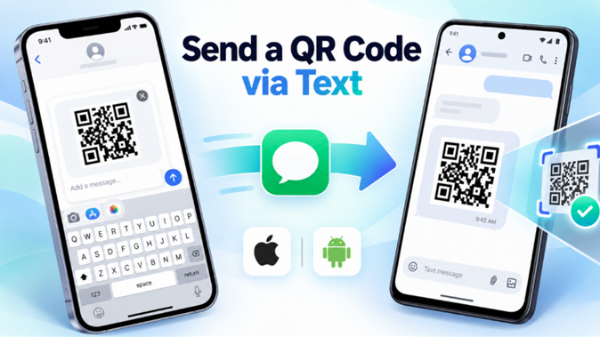
Send or forward a QR code via text on iPhone or Android. Follow simple steps to share QR code images or links, scan received codes, and fix common issues.
Create a Text QR Code in 3 Steps: Text Limits and Scanning Tips
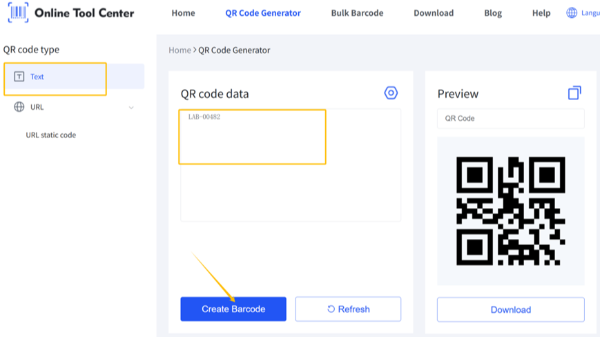
Learn how to convert text to a QR code in 3 steps with a free online generator. Find out about text limits, PNG vs. SVG, offline scanning, and print tips.
How QR Codes Support the Oktoberfest 2026 Experience—and What Event Organizers Can Learn
2026-09-24
Explore how Munich Oktoberfest 2026 leverages QR codes for app-free ticketing. Learn actionable lessons to upgrade your event’s digital workflow.
Barcodes for Tires: Understanding Tire Bead Labels, DOT Data & Inventory
Learn how tire barcodes work: vulcanization-resistant bead labels vs post-cure labels, DOT TIN structure, GS1 data, and practical inventory workflows for tire shops.
How to Create a QR Code for Registration
2026-09-04
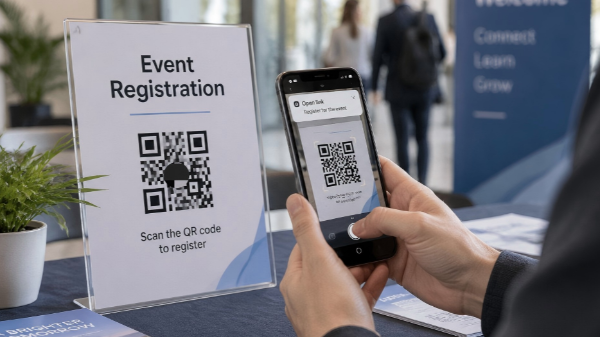
Create a QR code for any registration form, including Google Forms. Paste the public link into our free generator, download it without a watermark, and test it.
Please fill in your name,email and requirement





 Send An Inquiry